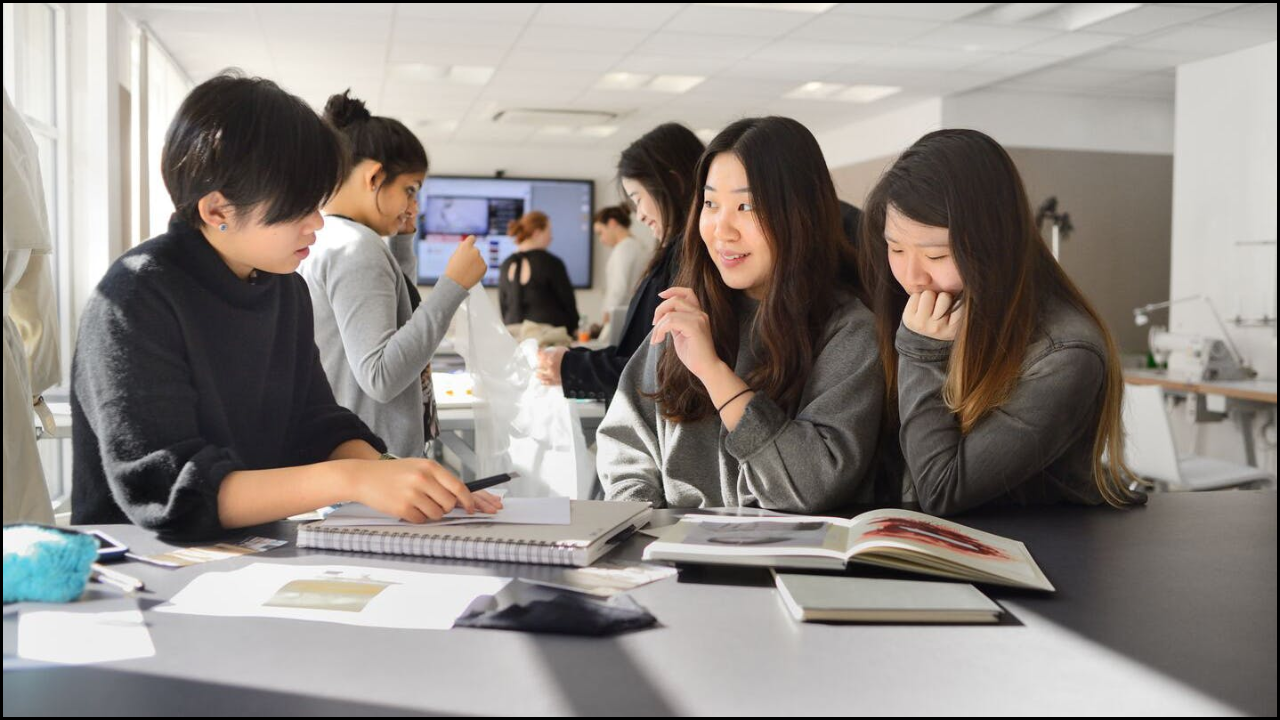
Technology integration in arts education has transformed traditional classrooms into interactive, engaging, and creative learning spaces. Digital tools enable students and teachers to explore artistic expression, collaboration, and innovation beyond conventional boundaries. In New Jersey, programs like APLI encourage educators to use technology as a bridge between creativity and academic excellence. The following content explores various technology tools that enhance creativity, teaching, and artistic collaboration in classrooms.
Table of Contents
Importance of Technology in Arts Education
Enhanced Creativity: Digital platforms offer endless possibilities for students to explore visual arts, music, and multimedia design creatively.
Accessibility for All Learners: Technology provides adaptive tools for differently-abled students, ensuring inclusion and accessibility.
Interactive Learning: Apps and software allow hands-on engagement through drawing, sound mixing, video creation, and storytelling.
Collaboration Beyond Classrooms: Online tools encourage cross-school and even global collaborations between students and artists.
Major Categories of Technology Tools
Category
Purpose
Example Tools
Digital Art and Design
Enables drawing, painting, and graphic design digitally.
Adobe Photoshop, Procreate, Canva, Krita
Music and Sound Creation
Helps compose, edit, and mix music using digital instruments.
GarageBand, Soundtrap, Flat.io
Video Production and Animation
Allows students to create short films, stop-motion, and animations.
iMovie, Adobe Premiere Rush, Powtoon
Virtual Reality (VR) and Augmented Reality (AR)
Offers immersive learning experiences in 3D art or digital storytelling.
Google Arts & Culture VR, CoSpaces EDU
Collaborative Learning Platforms
Supports group projects and peer feedback in creative subjects.
Padlet, Jamboard, Google Workspace
Digital Portfolios and Assessment Tools
Helps students showcase and reflect on their creative work.
Seesaw, Artsonia, Behance
Digital Art and Design Tools
Adobe Creative Cloud: Provides a suite of professional tools like Photoshop, Illustrator, and Fresco, enabling students to learn industry-level design skills.
Procreate (iPad): Offers an intuitive digital painting experience with thousands of brushes and real-time layering options.
Canva for Education: Supports teachers and students in designing posters, presentations, and infographics collaboratively.
Music and Performing Arts Technologies
Tool
Function
Classroom Use
Soundtrap
Cloud-based audio recording studio
Allows music collaboration and podcast creation
Flat.io
Digital sheet music editor
Enables real-time music composition and sharing
GarageBand
Music production app by Apple
Teaches rhythm, melody, and song creation
Noteflight
Online music notation software
Encourages score reading and digital music analysis
Video, Animation, and Multimedia Tools
iMovie and Premiere Rush: Enable students to edit short films or video essays for storytelling projects.
Powtoon and Animaker: Encourage animated storytelling and visual communication for creative expression.
Stop Motion Studio: Provides an engaging introduction to animation techniques through frame-by-frame movie creation.
Virtual Reality (VR) and Augmented Reality (AR) in Creative Learning
Technology
Benefit
Google Arts & Culture VR
Allows virtual museum tours and art exploration globally.
CoSpaces EDU
Lets students create 3D art installations and virtual exhibitions.
Tilt Brush by Google
Enables painting in a 3D virtual space, expanding artistic dimensions.
AR Makr
Encourages interactive storytelling with augmented reality characters.
Collaborative and Interactive Platforms
Padlet: Digital wall for brainstorming, artwork sharing, and reflection activities.
Jamboard: Google’s interactive whiteboard for collaborative sketching, design, and creative planning.
Google Classroom: Helps teachers assign digital projects, manage feedback, and share creative content efficiently.
Miro: Visual collaboration platform for mind mapping and creative project management.
Digital Portfolios and Creative Assessment Tools
Tool
Purpose
Impact
Seesaw
Student-driven portfolio platform
Encourages reflection and self-assessment
Artsonia
Online student art gallery
Promotes recognition and family engagement
Behance
Global portfolio-sharing site
Motivates advanced students to share professional work
Wakelet
Curation platform for showcasing creative projects
Organizes media-rich student portfolios
Integration of Technology with NJ Learning Standards
Digital tools align with New Jersey Student Learning Standards for Visual and Performing Arts (NJSLS-VPA) by promoting creativity, communication, and critical thinking.
Technology encourages arts integration with other subjects like science and history through multimedia storytelling.
Schools adopting these tools enhance student engagement and interdisciplinary learning outcomes.
Professional Development for Teachers
Workshops by APLI and Partners: Train teachers on using technology for arts integration and digital pedagogy.
Online Learning Communities: Provide platforms for teachers to share digital teaching strategies and creative lesson plans.
Continuous Innovation: Encourage teachers to experiment with hybrid and virtual learning methods to keep creativity active year-round.
Best Practices for Technology Integration
Combine traditional art methods with digital exploration.
Use project-based learning to make digital creation meaningful.
Encourage student choice and voice in selecting digital tools.
Ensure accessibility for all learners, including those with special needs.
Maintain balance between screen time and hands-on artistic activities.
Closing Perspectives
Technology tools have redefined the creative classroom, empowering both teachers and students to engage with art in dynamic and innovative ways. In New Jersey, integration of digital tools aligns with state learning standards while promoting accessibility, inclusion, and collaboration. Programs like APLI continue to guide educators in harnessing technology for creativity, ensuring that digital learning strengthens—not replaces—the human connection that lies at the heart of arts education.
She is a creative and dedicated content writer who loves turning ideas into clear and engaging stories. She writes blog posts and articles that connect with readers. She ensures every piece of content is well-structured and easy to understand. Her writing helps our brand share useful information and build strong relationships with our audience.